Dataset
Validated
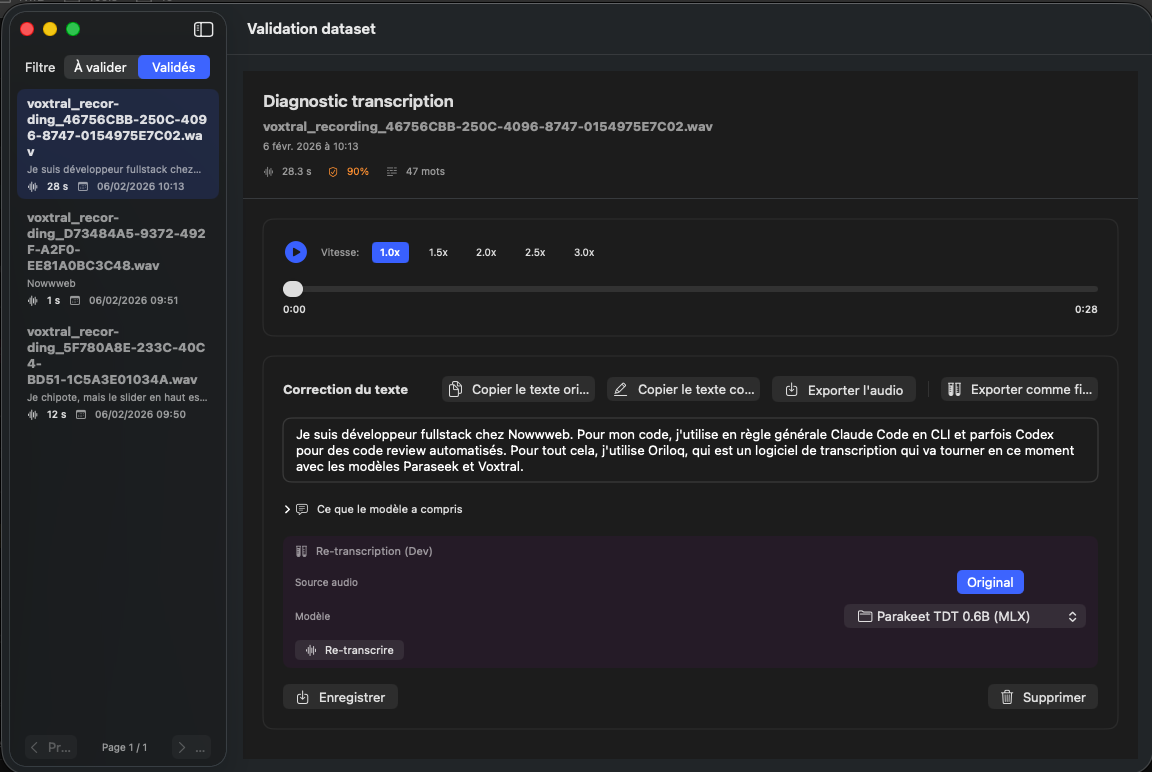
At the top left of the screen, a toggle lets you switch between 'To validate' and 'Validated' datasets. This page describes the validated datasets view.
Switch to validated
The 'To validate / Validated' toggle at the top of the sidebar lets you filter datasets. When you switch to 'Validated', only confirmed recordings appear in the list.
Review a dataset
Even after validation, you can select a dataset to review it. The diagnostic, audio player, and correction area remain accessible, allowing you to correct the text again if needed. The Parakeet curation and fine-tuning workflow lets you prepare, validate and improve your datasets directly in Oriloq, including training an adapter suited to your use case (1.0.21). Adapter fine-tuned models appear in the model manager with both their disk size and their weights size (1.0.29).
Delete a validated dataset
If a validated dataset no longer seems relevant, you can delete it via the 'Delete' button. This permanently removes it from your training base.
See also: Datasets to validate