Details
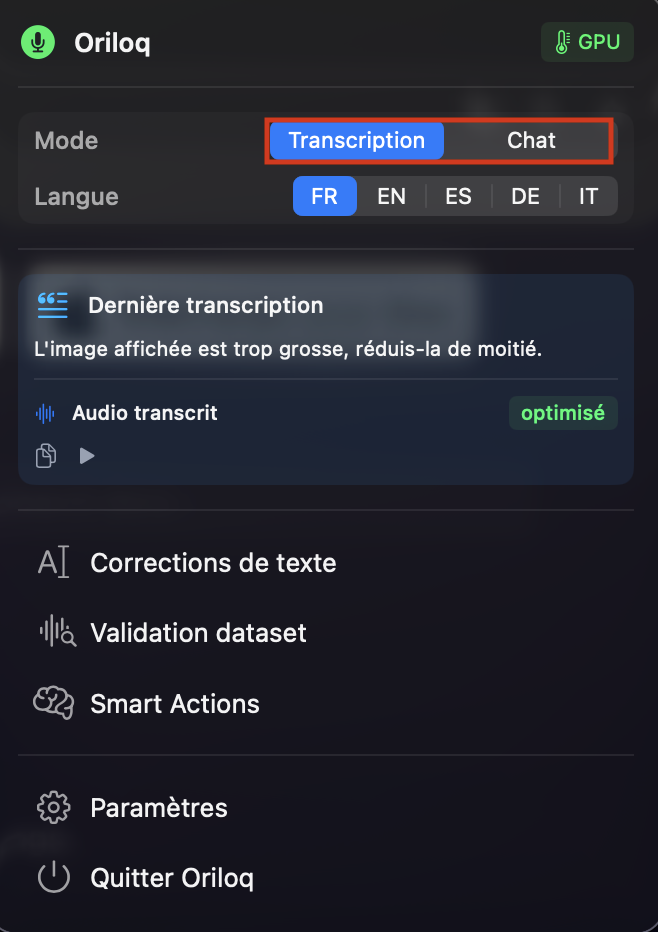
Transcription
Oriloq is built around high-fidelity transcription that captures the details of your meetings, calls, and brainstorming sessions.
How to use transcription
Start dictation with your global shortcut (⌘Y by default), configurable in Settings → Shortcuts; press Escape to cancel. The text is inserted at the cursor position.
By default, press ⌘Y (Command Y) to start transcription, press ⌘Y again to stop it, and press Esc (Escape) to cancel.
Tips for better transcripts
- • Use a decent microphone and speak close to it.
- • Avoid overlapping voices when you can.
- • If possible, reduce background noise (music, other calls, etc.).
For more information on transcription settings, see the Transcription settings page.
Looking for the product overview? See the Mac transcription app page.
See also: File transcription.